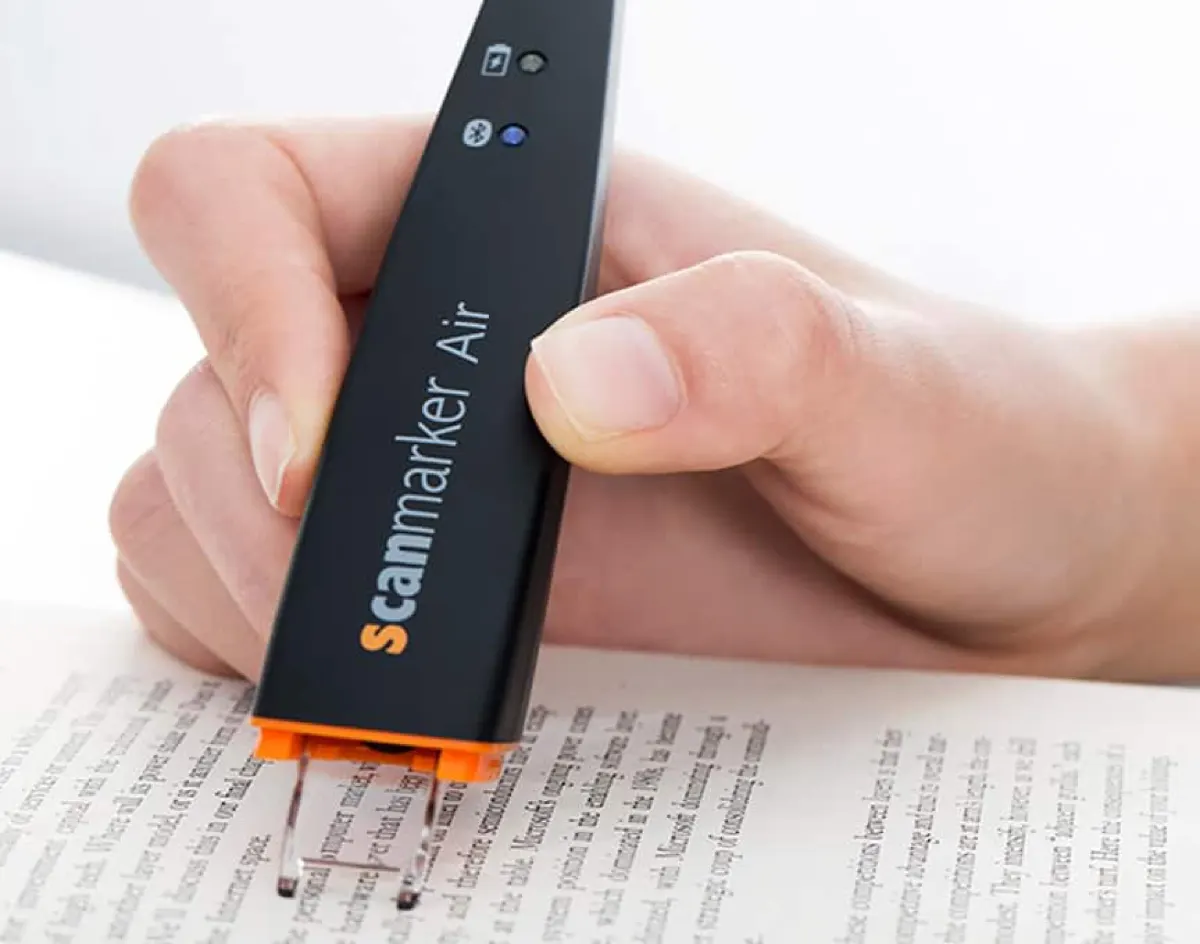
How a translation pen works
The scanning process is identical to a standard reading pen — glide the tip across a line of text at reading pace. The difference is what happens next: instead of (or in addition to) reading the text aloud in its original language, the device runs the recognized text through a translation engine and outputs it in your chosen target language.
Scan → Translate, in three steps
How it worksOn-device vs. cloud-based translation
This is the key technical distinction to understand before buying. On-device translation works fully offline but typically supports fewer language pairs. Cloud-based translation supports far more languages and often higher accuracy, but requires an internet connection — a real limitation while traveling internationally without reliable data.
A pen advertising "100+ languages" that requires Wi-Fi for most of them behaves very differently while traveling than one with genuine offline coverage. Always check the offline language count specifically, not just the total.
Real Scanmarker translation specs
Numbers below are current, verified Scanmarker specifications — not marketing rounding.
| Model | Price | Translation | Works offline? | Best for |
|---|---|---|---|---|
| Scanmarker Max | $299 | 112 online · 30 offline | Yes, 30 languages | Standalone travel and reading — no phone needed at all |
| Scanmarker Max Bundle | $319 | 112 online · 30 offline | Yes, 30 languages | Same as Max, plus phonics flash cards |
| Scanmarker Pro | $249 | 89 online | No — needs a paired device online | Read-aloud and translation on a device you already carry |
| Scanmarker Air | $169 | 80 online | No — needs a paired device online | Everyday connected scanning with occasional translation lookups |
| Scanmarker Reader | $149 | 60 online | No — needs a paired device online | Budget connected reading with basic translation |
| Scanmarker PAL | $179 | — | No translation layer | Offline reading only — no translation, lowest standalone price |
Who actually needs a translation pen
- Travelers — menus, signage, and printed instructions in an unfamiliar language, translated instantly without unlocking a phone in public.
- Language learners — encountering unfamiliar vocabulary while reading foreign-language material, with instant definitions and context.
- Multilingual households — parents or grandparents reading school materials or mail in a language different from a child's primary school language.
- Professionals working with foreign-language documents — contracts, correspondence, and printed materials that need a fast first-pass translation before formal review.
What to look for in a translation pen
Number of language pairs supported, and how many work offline — this is the single most consequential spec. Output format matters too: some models speak the translation aloud (better for menus and signage), others display it on a screen (better when you need to see spelling or share it with someone). Check scanning speed and accuracy on printed vs. glossy or low-contrast text — reviews specific to packaging or signage fonts are worth checking if that's your main use case. Finally, battery life while traveling matters — international trips often mean limited charging access.
Translation pen vs. phone translation apps
The core trade-off: a translation pen wins on speed and discretion for quick, repeated lookups; a phone app wins on breadth of language support and zero additional cost if you already carry a smartphone everywhere.
| Factor | Translation pen | Phone app |
|---|---|---|
| Speed for a single line | Faster — no photo needed | Slower — photo + processing |
| Offline capability | Yes on Max/Max Bundle, limited languages | Varies widely by app |
| Discretion in public | Higher — no camera visible | Lower — phone camera visible |
| Cost | One-time device cost | Usually free |
Go deeper
For the full workflow and productivity angle — scanning translated text directly into a document you're typing — see the scanning pen that speeds up your workday. For how the underlying OCR pipeline works before translation ever happens, see how pen scanning works and the best OCR pen scanners for 2026. For the full lineup side by side, see compare pen scanners.
Ready to compare live pricing and offline language counts? See the current Scanmarker translation lineup →