Restoring Reading Independence for Aging Eyes & Low Vision
Age-related visual changes—including macular degeneration (AMD), glaucoma, diabetic retinopathy, and dense cataracts—impact millions of older adults worldwide. While magnifying glasses and large-print books provide early relief, severe central vision loss eventually makes visual reading exhausting and painful.
Handheld audio reading pens bridge this gap by converting printed ink into clear spoken language. For seniors who cherish reading personal mail, utility bills, cooking recipes, prescription bottle directions, and favorite novels, a reading pen restores personal privacy and daily independence without forcing them to ask family members for assistance.
Why Standalone Pens Excel Over Smartphones & Desktop CCTV Magnifiers
Many elderly individuals feel overwhelmed by modern smartphones, touchscreens, software updates, and complex assistive computer software. Furthermore, traditional desktop CCTV video magnifiers are bulky, cost thousands of dollars, and remain anchored to a desk.
Standalone reading pens (such as the Scanmarker Max and IRISPen Reader 8) provide an exceptionally accessible alternative:
1. Zero Computer or Phone Requirement: Operates entirely independently straight out of the box with no pairing, no apps, and no Wi-Fi setup.
2. Tactile Physical Controls: High-contrast screens, distinct physical power buttons, and intuitive gliding motion make operation easy to learn.
3. Instant Audio Gratification: Simply press the tip to paper, glide across the line, and hear clear human-sounding speech immediately.
Daily Low Vision Applications: Mail, Prescriptions, Menus & Books
Seniors and low-vision readers employ scanning pens across critical everyday reading scenarios:
Private Mail & Financial Documents: Review bank statements, pension letters, utility bills, and confidential medical notices with total privacy.
Prescription Medication Instructions: Scan pharmacy prescription labels, dosage frequencies, and warning advisories with crystal-clear audio playback.
Restaurant Menus & Recipes: Carry a lightweight 60-gram pen in a purse or pocket to read printed menus and cookbook instructions.
Physical Book & Newspaper Reading: Enjoy reading newspapers, magazines, and paperbacks by listening to natural text-to-speech narration through comfortable headphones.
Hardware Feature Comparison: Low-Vision & Senior Considerations
Evaluate key senior-friendly features when selecting an assistive reading pen:
| Device Model | Display Contrast | Audio Output | Battery Life | Senior Ergonomic Score |
|---|---|---|---|---|
| Scanmarker Max | High-contrast color OLED screen | Loud built-in speaker + 3.5mm jack | Up to 8 hours continuous | Outstanding — simple touchscreen, offline autonomy |
| C-Pen Reader 3 | High-contrast backlit display | Internal speaker + 3.5mm jack | Up to 8 hours continuous | Excellent — physical raised keypad buttons |
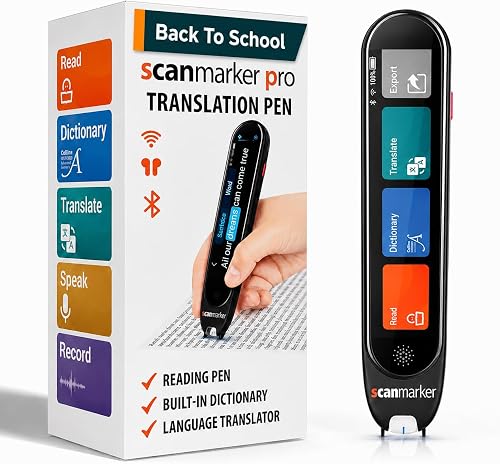
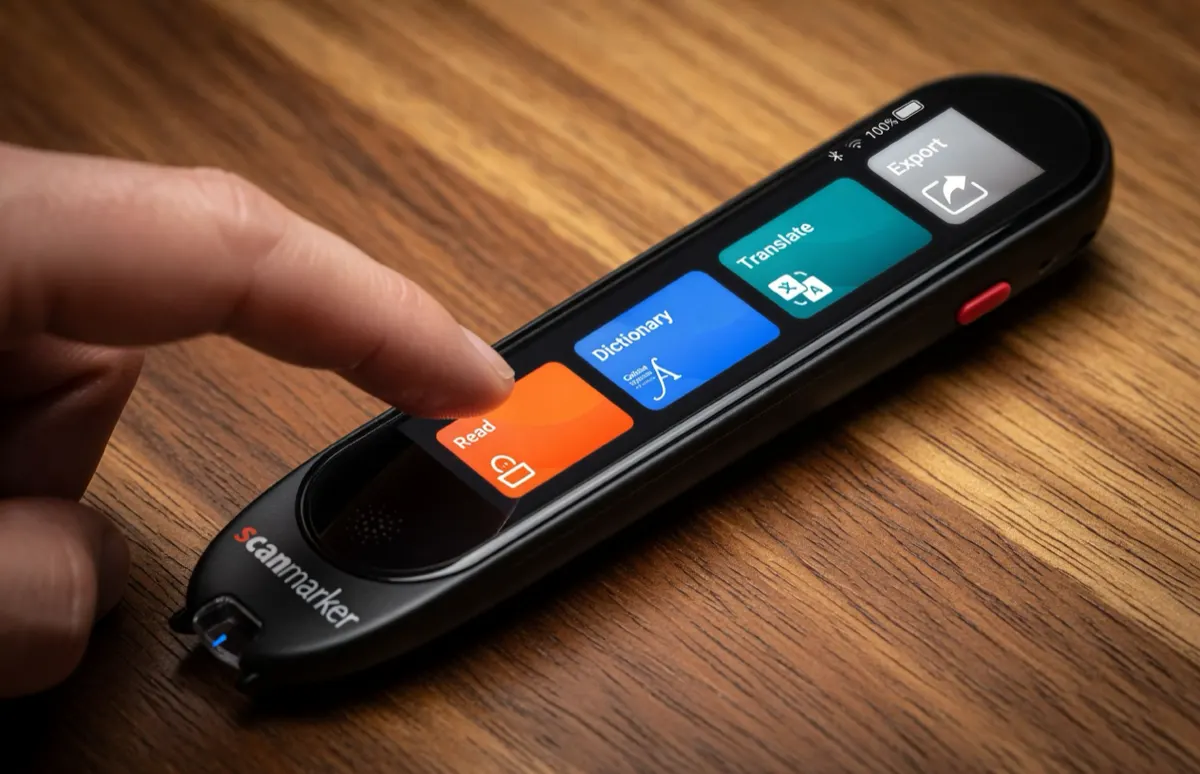
| Scanmarker Pro | Color touchscreen | Speaker + Bluetooth audio | Up to 6 hours continuous | Good — best when paired with tablet for large text |
| IRISPen Reader 8 | Color touchscreen | Built-in speaker / headset | Rechargeable, fully offline | Best for seniors who want no Wi-Fi or setup |
Ergonomic Accommodations: Audio Speed & Arthritis-Friendly Grips
To optimize comfort and comprehension for older readers, consider these ergonomic adjustments:
Adjust Speech Cadence: In the pen’s audio menu, adjust the text-to-speech speed down to 0.7x or 0.8x of normal speaking rate. Slower audio cadence significantly boosts cognitive comprehension and word retention for individuals with auditory processing delays.
Use Wired 3.5mm Headphones: Lightweight over-ear headphones or hearing-aid compatible audio cables prevent ambient room noise from interfering with speech clarity.
Ergonomic Pen Grips: For individuals with arthritis or mild hand tremors, soft slip-on foam pen grips increase diameter and reduce grip tension.
Low Vision & Accessibility Network Resources
Discover additional low-vision tools, assistive audio reviews, and dyslexia resources across our network:
- ScannerReader.com — In-depth reviews of standalone read-aloud pens and audio readers for adults and seniors.
- Pen for Dyslexia — Assistive reading technology, audio decoding mechanics, and accessibility guidance.
- Reading Pens Overview — Learn how text-to-speech technology supports readers of all ages and abilities.
- C-Pen Reading Guide — Comprehensive hardware analysis of the C-Pen Reader 3.
- Pen Scanner Buying Guide — How to choose the right assistive reading hardware.