Scan printed text. Make it useful.
Capture words and lines from books, documents and printed pages with a handheld scanning pen. Depending on the device, you can turn scanned text into digital text, hear it read aloud, translate it, define it, or transfer it to another device.
- OCR
- Reading
- Translation
- Portable

Why this works
Three things that matter more than the spec sheet.
Reading Pen
Hear printed words and sentences read aloud while keeping your attention on the page.
OCR Pen
Turn printed text into digital text that can be edited, copied, saved, or transferred.
Translation Pen
Scan unfamiliar words or text and access translation features on supported devices.
From printed page to digital text
A pen scanner looks simple from the outside — here is what actually happens when you scan a line.
Scan
Move the pen across a line of printed text.
Recognize
The device processes the scanned image using OCR.
Process
The recognized text can then be handled by the device or connected software.
Use
Depending on the model, you can read, translate, define, save, copy, or transfer the result.
Pen finder
Which pen scanner fits your workflow?
Answer 3 quick questions to get a personalized recommendation based on your device, reading, and translation needs. No email or signup required.
How do you plan to capture and use scanned text?
Do you need the device to operate without a phone or computer?
What feature is most critical to your workflow?
Pick one answer for each question — your match appears right here. Change an answer any time and the recommendation updates.
Which model fits
Standalone pens work with no phone or computer. Connected pens need a device to display and speak.
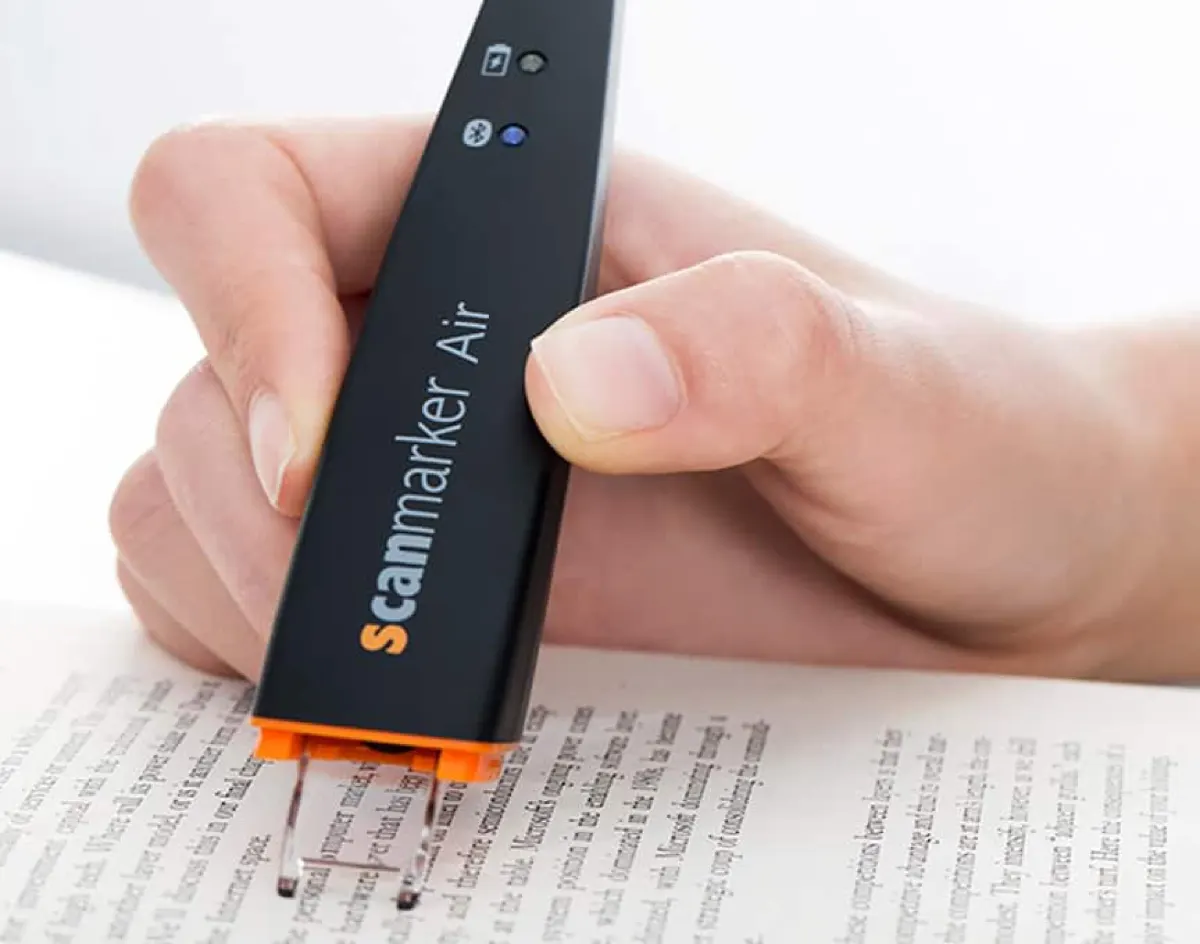
A connected pen scanner. Bluetooth to a phone, tablet, or computer, with OCR, text-to-speech, and translation.
Shop on Amazon →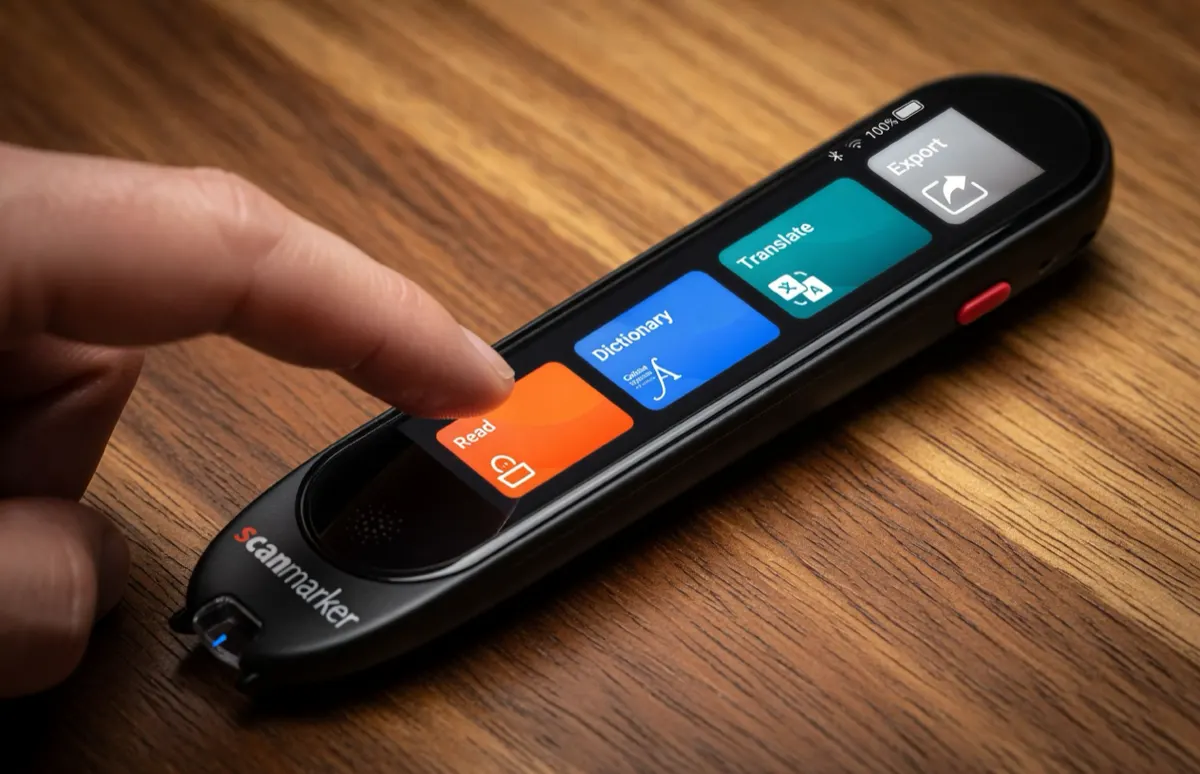
A standalone touchscreen device — reads, translates, and works with printed text without a computer or app.
Shop on Amazon →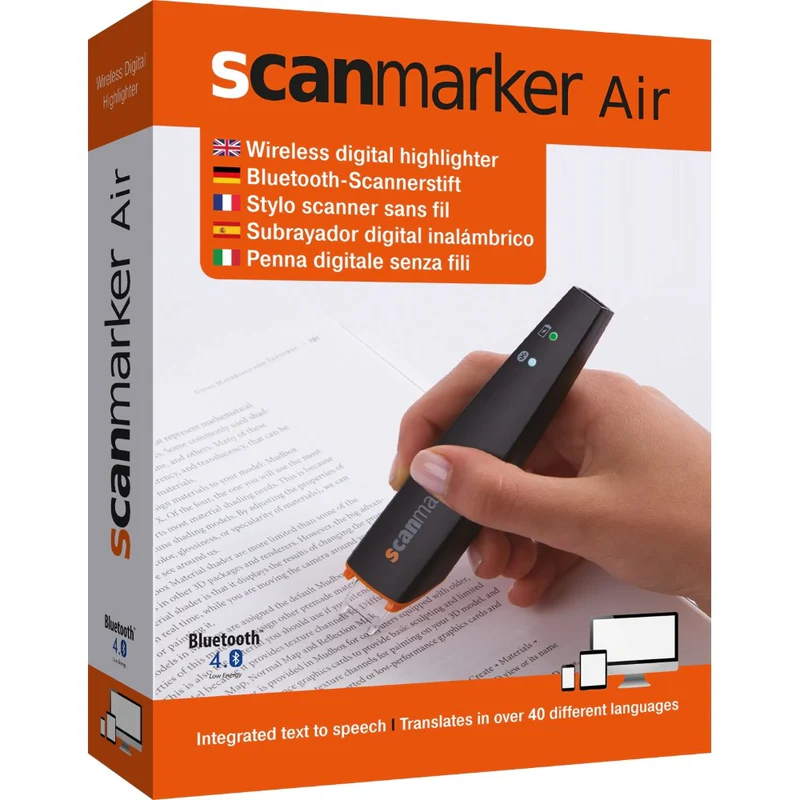
A USB-connected option built for scanning text directly into computer applications.
Shop on Amazon →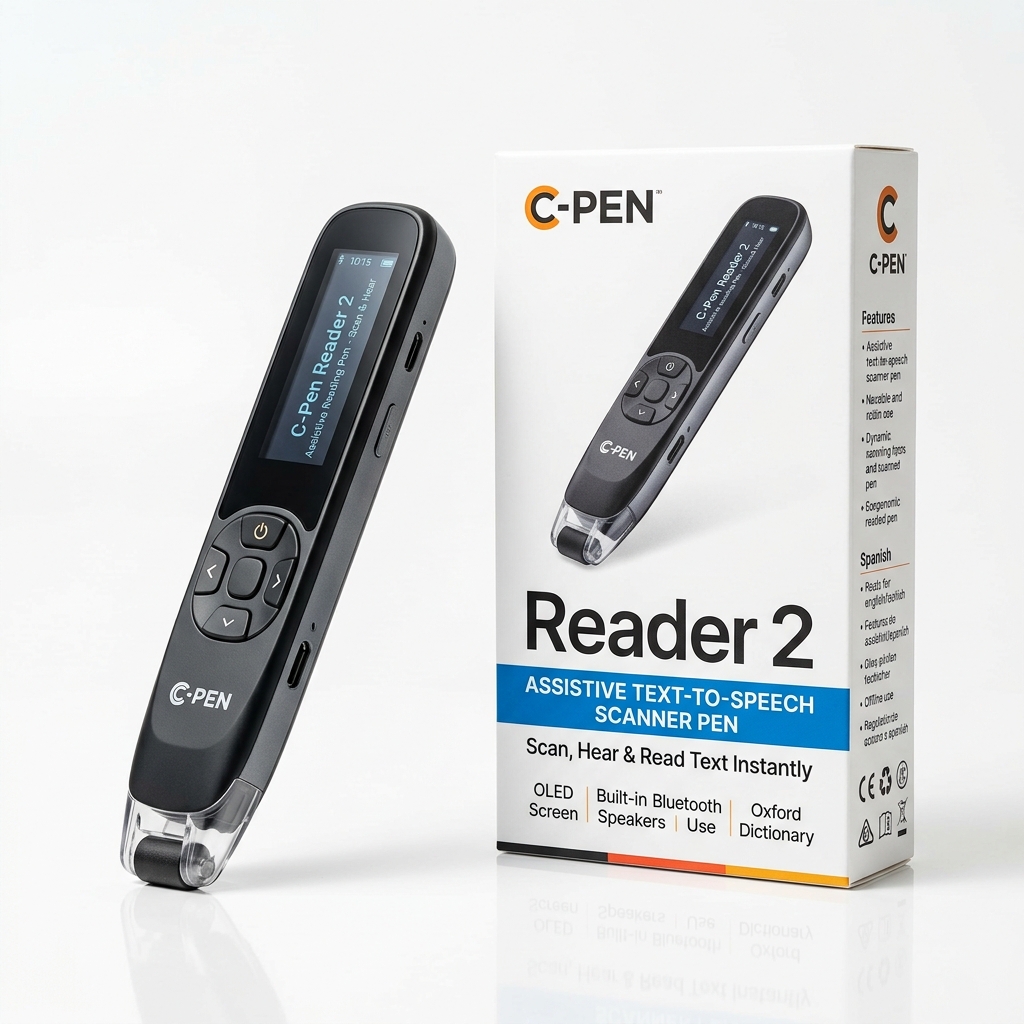
The classic standalone SEN reading benchmark with text-to-speech, Cambridge dictionary, and voice recorder.
Shop on Amazon →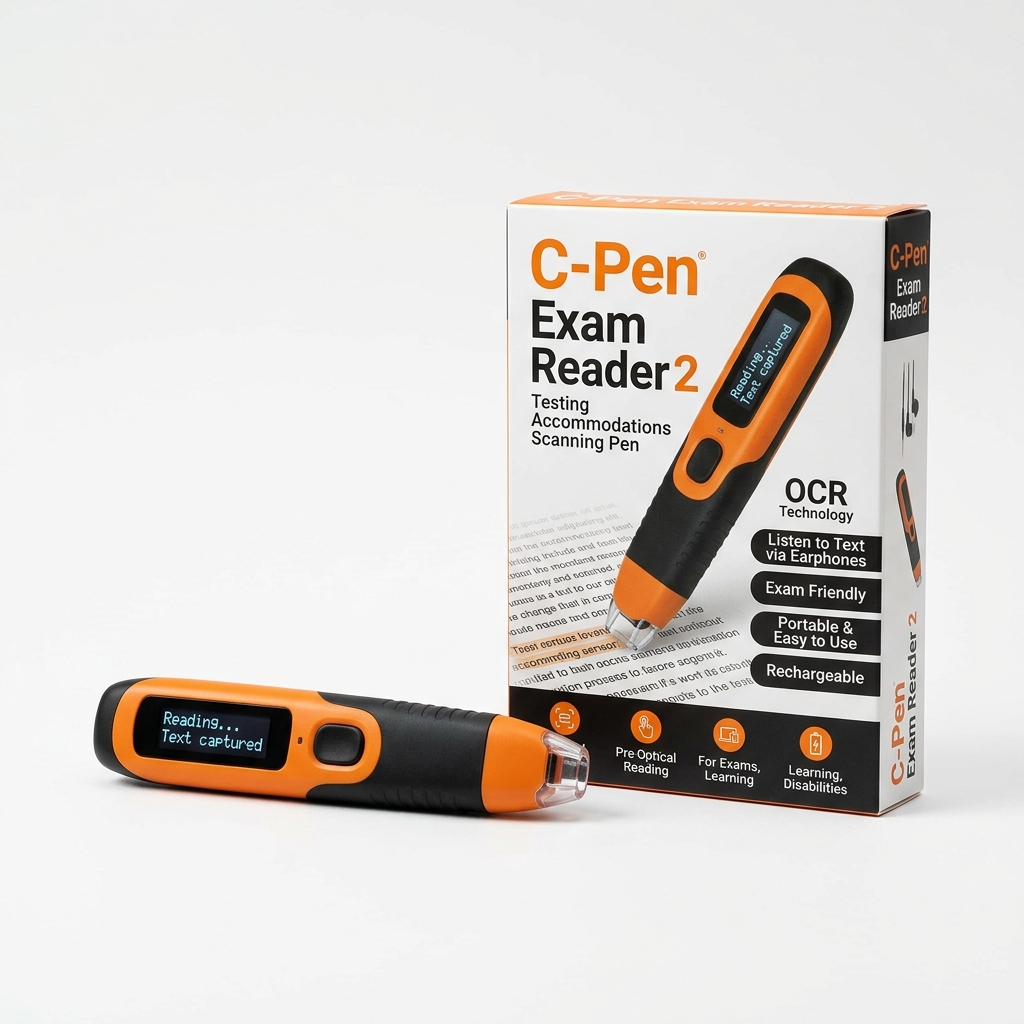
Locked exam-board certified reading pen for JCQ, SEC, and state testing accommodations.
Shop on Amazon →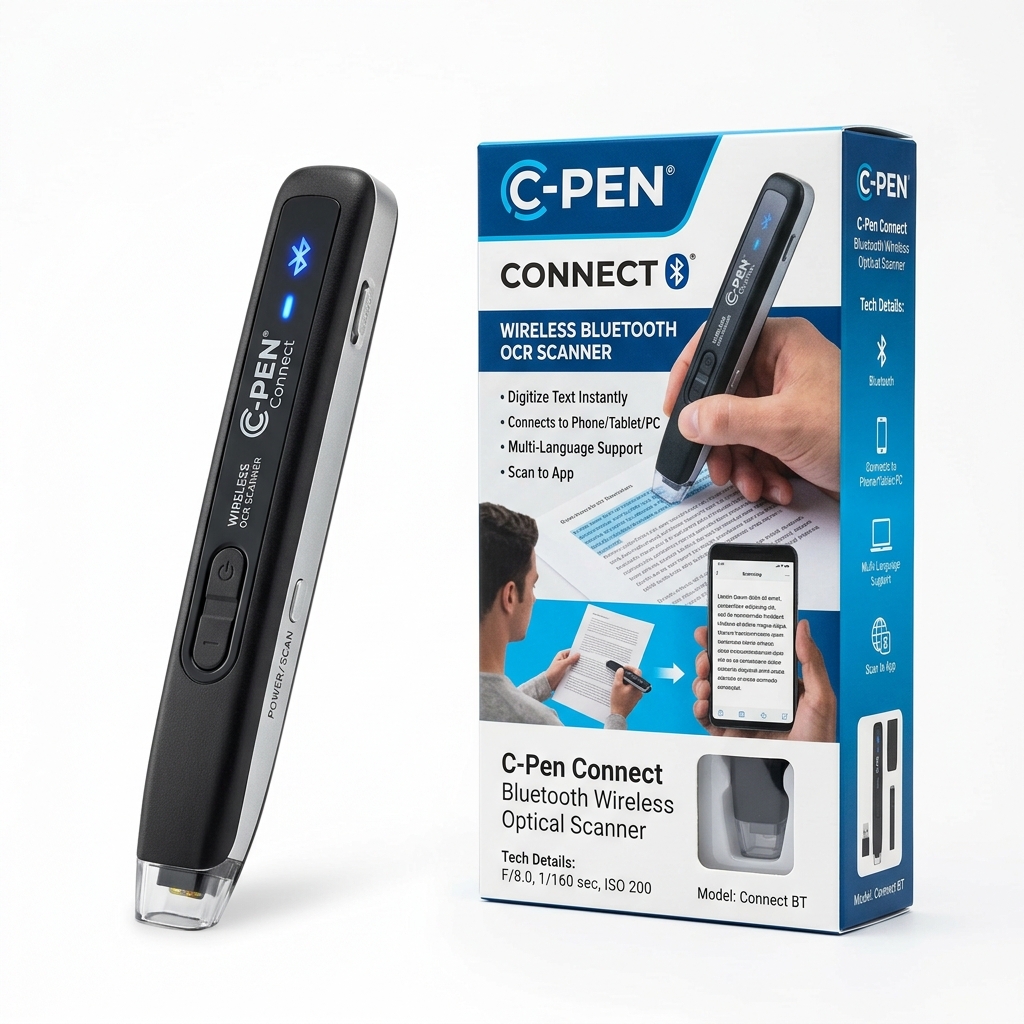
Wireless Bluetooth text scanner wand for scanning straight into computers, tablets, and phones.
Shop on Amazon →What can you use a pen scanner for?
Different scanning pens solve different problems — start with what you want to do.
Students
Capture text from textbooks, worksheets, and reference material.
Researchers
Capture quotations and passages without manually retyping every line.
Language learners
Scan unfamiliar words and use pronunciation, dictionary, or translation features where available.
Dyslexic readers
Use reading-focused devices that provide text-to-speech or other reading-support features.
Professionals
Capture information from printed reports, documents, and reference material.
Writers
Transfer printed quotations and research material into a digital workflow.
Pen scanner vs. phone: which is better?
Your phone can already recognize printed text with OCR apps and camera tools. Neither option is universally better — it depends on how much text you scan, where you work, and what you need to do with the result.
| Phone | Pen scanner |
|---|---|
| Camera-and-app workflow to scan text | Direct interaction with the printed line |
| Large screen, flexible software | Compact, purpose-built device |
| Notifications and other apps can distract | Fewer device distractions |
| Already owned by most people | Dedicated hardware, often standalone |
Common questions answered
Clear, honest answers to help you choose the right scanning tool for your workflow.
A pen scanner is a handheld device that scans a line of printed text and turns it into digital text in whatever app is open — a word processor, spreadsheet, or notes app — without retyping.
What is a pen scanner?
A pen scanner is a handheld device that captures printed text as you move it across a page. Depending on the model, the text may be converted into digital text, read aloud, translated, or transferred to another device.
What is OCR?
OCR stands for Optical Character Recognition. It is the technology used to identify printed characters in a scanned image and convert them into machine-readable text.
Do pen scanners need a phone?
Not always. Some pen scanners are designed to connect to a computer, phone, or tablet, while standalone models — like Scanmarker Max — provide the full experience directly on the device.
Can pen scanners read text aloud?
Some can. Reading-focused and multifunction devices can use text-to-speech to read recognized text aloud.
Can pen scanners translate?
Some models include translation features. Language coverage and internet requirements vary by device — check the specifications of the individual product before buying.
Can a pen scanner scan an entire book?
Generally, pen scanners are better suited to selected words, lines, or passages. A conventional document scanner is usually more appropriate for digitizing entire books or large collections.
Are pen scanners accurate?
OCR accuracy depends on the device, text quality, font, language, size, contrast, and scanning technique. No OCR system should be assumed to be perfect in every situation.
Are pen scanners useful for dyslexia?
Reading-focused pen scanners can provide access to printed text through text-to-speech and related features. They are assistive tools and do not replace structured literacy instruction or specialist support.
No questions matched your search criteria.
Last reviewed: August 2026