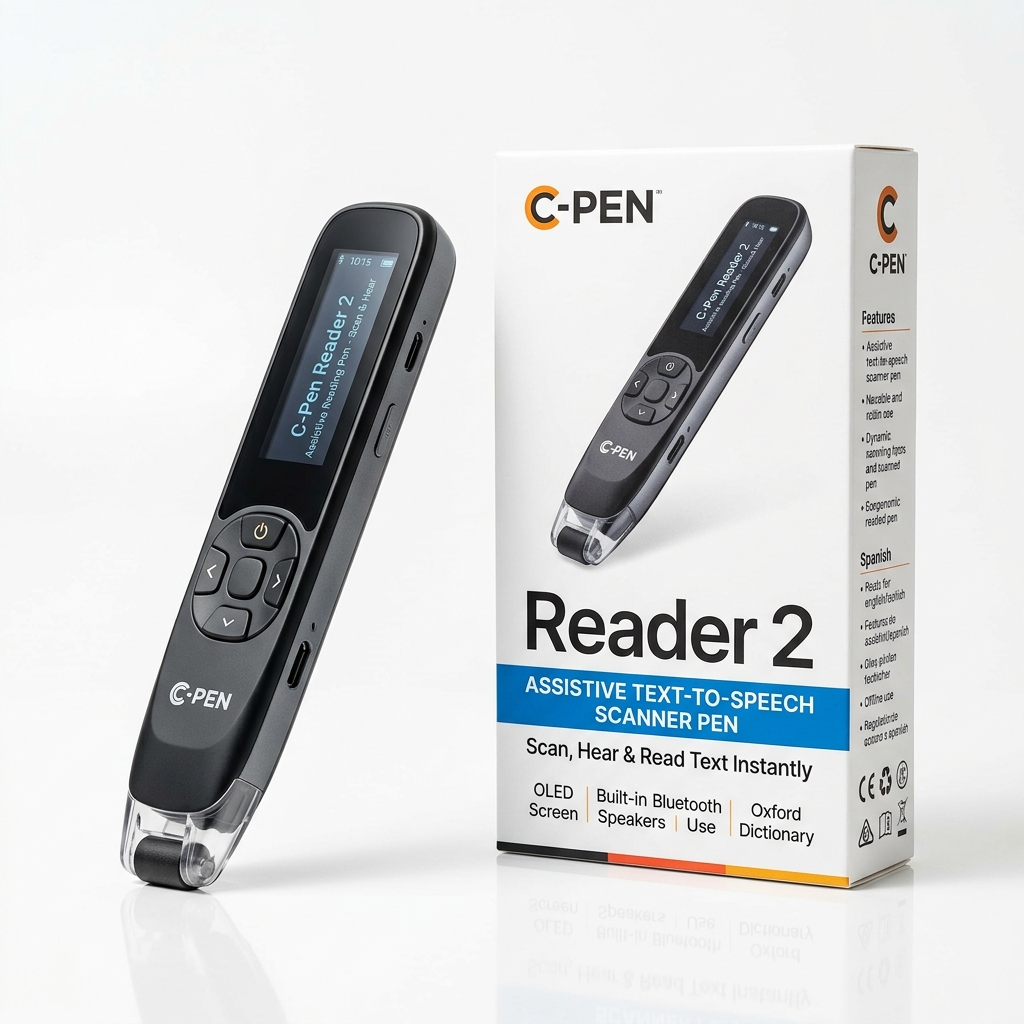
How Pen Scanners Transform Student Study Workflows
Pen scanners are portable, high-tech devices that allow students to digitize printed text instantly, read text aloud, and translate languages on the go. By sliding the pen across textbooks or documents, you can automatically capture quotes, definitions, and study notes.
This cuts down significantly on typing fatigue and streamlines literature reviews, research sessions, and homework revision. Whether you are studying in the campus library, writing term papers in Microsoft Word or Google Docs, or reviewing for finals, a scanning pen turns dense paper text into immediate digital assets.
Direct Comparison of Top Pen Scanners for Students
Choosing the right student pen scanner depends on whether you need standalone offline operation, direct Bluetooth typing into active documents, or AI-powered study assistance. Here is how the leading models compare:
| Model | Key features | Connectivity | Best for | Buy |
|---|---|---|---|---|
| Scanmarker Air | Scans printed lines straight into Word, Google Docs or notes apps; read-aloud and 140+ language translation in the Scanmarker app. | Bluetooth to Windows, Mac, iOS, Android | Note-taking and essay research on a laptop | See on Amazon |
| Scanmarker Pro | Standalone touchscreen; reads aloud (50+ languages online, 5 offline), translates (100+ online, 12 offline), Collins English dictionary. | Standalone; Wi-Fi for online languages | Reading and translating without a laptop | See on Amazon |
| Scanmarker AI Pen | Built-in screen, OCR scan reader, text-to-speech and ChatGPT-powered Q&A on scanned text. | Standalone with online AI features | Homework help and revision | See on Amazon |
| IRISPen Reader 8 | Fully offline: OCR in 48 languages, read-aloud in 5, color touchscreen, 5 MP camera for photo OCR. | Standalone, no Wi-Fi needed | Offline study and privacy-sensitive settings | See on Amazon |
| Rocket Pen Reading Tutor | Read-aloud plus six decoding aids including spelling and syllabication; scans paper and screens. | Standalone | Younger students building decoding skills | See on Amazon |
Core Benefits for Academic Work
High school and university students face relentless reading volume. Handheld scanners solve four core bottlenecks in modern study routines:
- Efficient Note-Taking: Instead of manually typing out long paragraphs from physical library books or journals, you can slide the pen over the text to drop clean, editable quotes directly into your digital study guides, Google Docs, or Obsidian vaults.
- Assistive Reading & Dyslexia Support: Devices like the C-Pen Reader 3, C-Pen Exam Reader 2, and IRISPen Reader 8 convert text into natural-sounding speech instantly. This drastically reduces reading fatigue and helps students with dyslexia or ADHD better comprehend complex material.
- Language and Translation Modules: For international or multilingual students, scanners like the Scanmarker Air offer real-time translation across dozens of languages, alongside built-in definition lookup features.
- Data Security and Exam Compliance: Models designed with offline limitations — such as the C-Pen Exam Reader 2 or IRISPen Reader 8 — lack Wi-Fi and Bluetooth capabilities. This makes them fully compliant for use in strict exam rooms where external connectivity is banned.
How to Choose: Answers to Common Student Questions
When selecting a scanning pen for academic work, two key questions determine the right hardware:
1. Do you need a pen that works completely offline for exams, or do you want computer/phone integration?
For Exams & Distraction-Free Study: If you need a device permitted inside formal exam halls (such as GCSE, SAT, ACT, or university proctored exams), you need an exam-compliant setup: a dedicated exam pen such as C-Pen Exam Reader 2 (no storage, Wi-Fi or translation), or a pen with an administrator lock such as Scanmarker Max in Exam Mode. Always confirm with your exam centre first.
For Computer & Note-Taking Workflows: If your priority is typing quotes into essays, research papers, or note apps on your laptop, choose a connected Bluetooth pen like the Scanmarker Air or Scanmarker AI Pen. They beam recognized characters straight to your cursor as if typed on a keyboard.
2. Are you primarily using it for text digitization, language translation, or dyslexia/reading support?
For Dyslexia & Reading Independence: Opt for standalone audio reading pens like the Scanmarker Pro, Scanmarker Max or the fully offline IRISPen Reader 8. Their on-board text-to-speech and dictionary lookups let you comprehend dense academic material without needing a screen.
For Fast Text Digitization & Research: The Scanmarker Air types each scanned line straight into Word, Google Docs or a reference manager, which is the fastest way to move quotes from library books into your notes.
For Second-Language & Translation: Devices with 100+ translation languages (like Scanmarker Air in its app, or Scanmarker Pro with 12 languages offline) allow foreign language students to scan unfamiliar vocabulary and hear authentic native pronunciations immediately.
Explore Student Pen Scanners on Amazon
Top student picks you can buy on Amazon: Scanmarker Air for scanning into laptop notes, IRISPen Reader 8 for fully offline reading, and Scanmarker AI Pen for homework Q&A.


