The Information Density Crisis in Modern Professional Work
In law, healthcare, engineering, academia, and regulatory compliance, physical print remains unavoidable. Case files, clinical trials, technical manuals, architectural plans, and signed contracts still arrive on paper. For adult professionals managing dyslexia, ADHD, visual tracking strain, or non-native English documentation, processing hundreds of physical pages daily causes profound cognitive exhaustion.
Traditional flatbed desktop scanners require page disassembly, slow preview cycles, and subsequent PDF OCR software. Smartphone scanning apps require hovering a camera, capturing lighting-sensitive images, and exporting text files through cloud services. Neither method integrates seamlessly into an active desk workflow.
Optical reading pens solve this friction point by allowing the user to read physical print and capture key quotations, citations, and data points at the exact moment their eyes pass over the paper.
Connected vs. Standalone Workflows: Choosing Your Tool
Adult workflows divide into two distinct functional use-cases: active computer transcription vs. mobile document review.
| Workflow Requirement | Connected Pen Scanners (Air / Pro) | Standalone Reading Pens (Max) |
|---|---|---|
| Primary Task | Streaming text directly into desktop software | Independent reading, translation, and audiotextual review |
| Host Device Requirement | Must pair with Mac, Windows PC, iOS, or Android | Completely self-contained—zero computer or phone required |
| Typing Speed Equivalency | Transfers up to 30 characters per second directly into active apps | Speaks text instantly aloud through internal speaker or earbuds |
| Translation Scope | 112 online languages through companion software | 30 offline languages stored on device + 112 online |
| Best Professional Context | Legal briefs, academic literature reviews, spreadsheet data entry | Travel, field inspections, conference reading, quiet library study |
Streamlining Higher Education Literature Reviews
Graduate students, legal researchers, and academics spend hours annotating physical books and library archives where digital copies are unavailable or restricted behind paywalls.
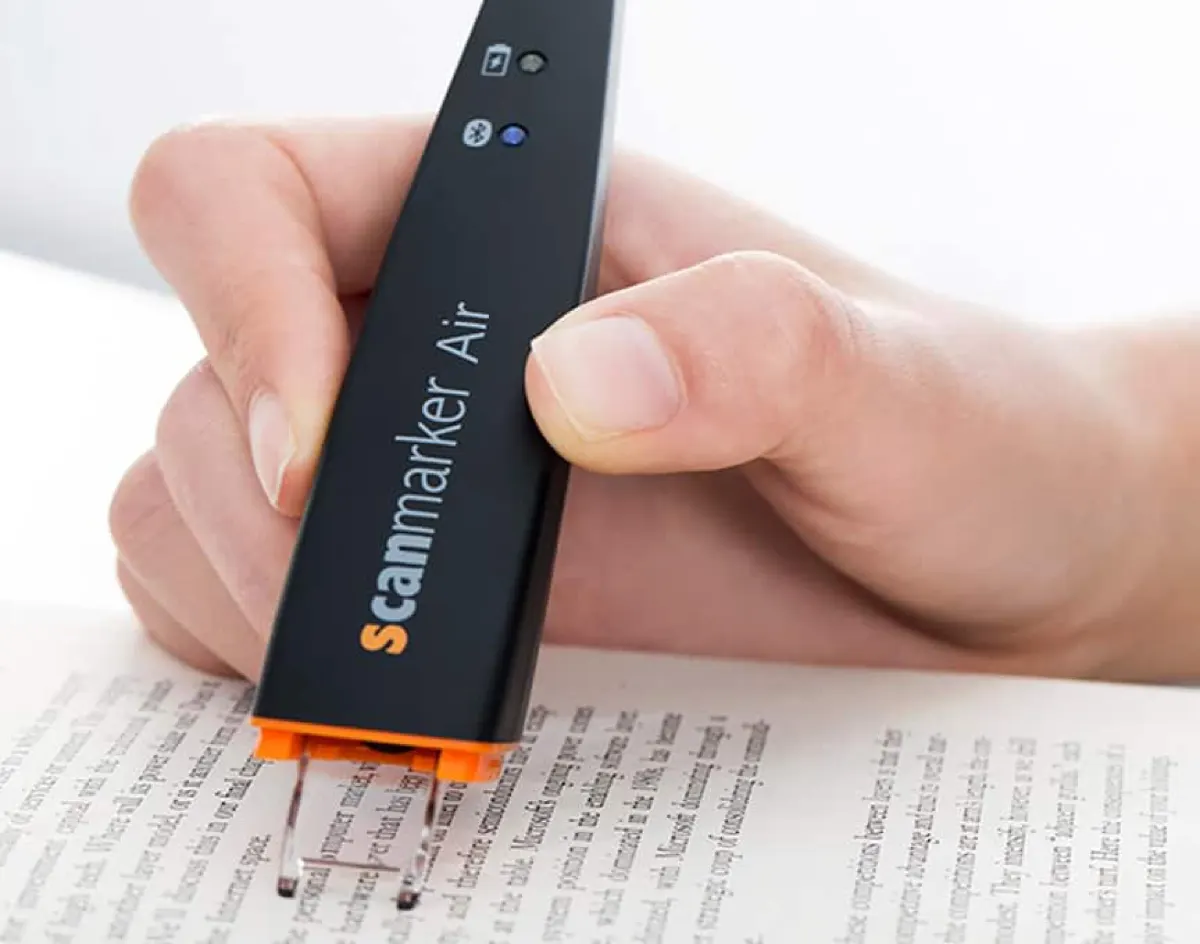
Using a connected scanner like the **Scanmarker Air ($149)** or **Scanmarker Pro ($199)**, researchers scan directly into reference managers (Zotero, Mendeley, EndNote) or writing environments (Microsoft Word, Google Docs, Scrivener). The pen mimics keyboard keystrokes: wherever your cursor is placed, the scanned quotation appears immediately, formatted with accurate punctuation and spacing.
For university students qualifying for disability services under ADA Section 504, standalone pens like **Scanmarker Max ($299)** provide independent exam reading accommodations in campus testing centers without requiring internet-connected laptops.

Cross-Platform Integration: Mac, Windows, iOS, Android, and Chromebook
For knowledge workers who move between multiple operating systems, digital reading pens integrate without proprietary lock-in. When paired over Bluetooth or connected via USB-C, devices like Scanmarker Air and Pro function as universal Human Interface Devices (HID).
This means there are zero third-party cloud plugins or browser extensions required to capture text into web applications, Google Workspace, Microsoft 365, or specialized database entry forms. The moment a line of text is scanned, it streams directly into the active field, eliminating the copy-paste friction common with phone-based document scanning apps.
Workplace Accommodations Under the Americans with Disabilities Act (ADA)
Title I of the Americans with Disabilities Act (ADA) protects employees with neurodivergent reading profiles, requiring employers to provide reasonable accommodations that do not impose undue hardship.
Providing an assistive reading pen is one of the most cost-effective accommodations a company can implement. Compared to hiring proofreaders or subscribing to complex enterprise software licenses, equipping an employee with a dedicated reading pen provides immediate autonomy, accelerates document review speed, and reduces stress—all for a one-time equipment cost under $300.